An Epic game asks to be installed after a copy
The game files are there but Epic says “Install” — and refuses with “no permission”. Why, and the fix.
Epic keeps two records of every installed game: its .item file and an internal install record. If a game was deleted and then copied back, the internal record may be missing — Epic then forgets the game when it starts and offers to install it. Installing fails with “you don't have permission” because the launcher always runs with the player's rights.
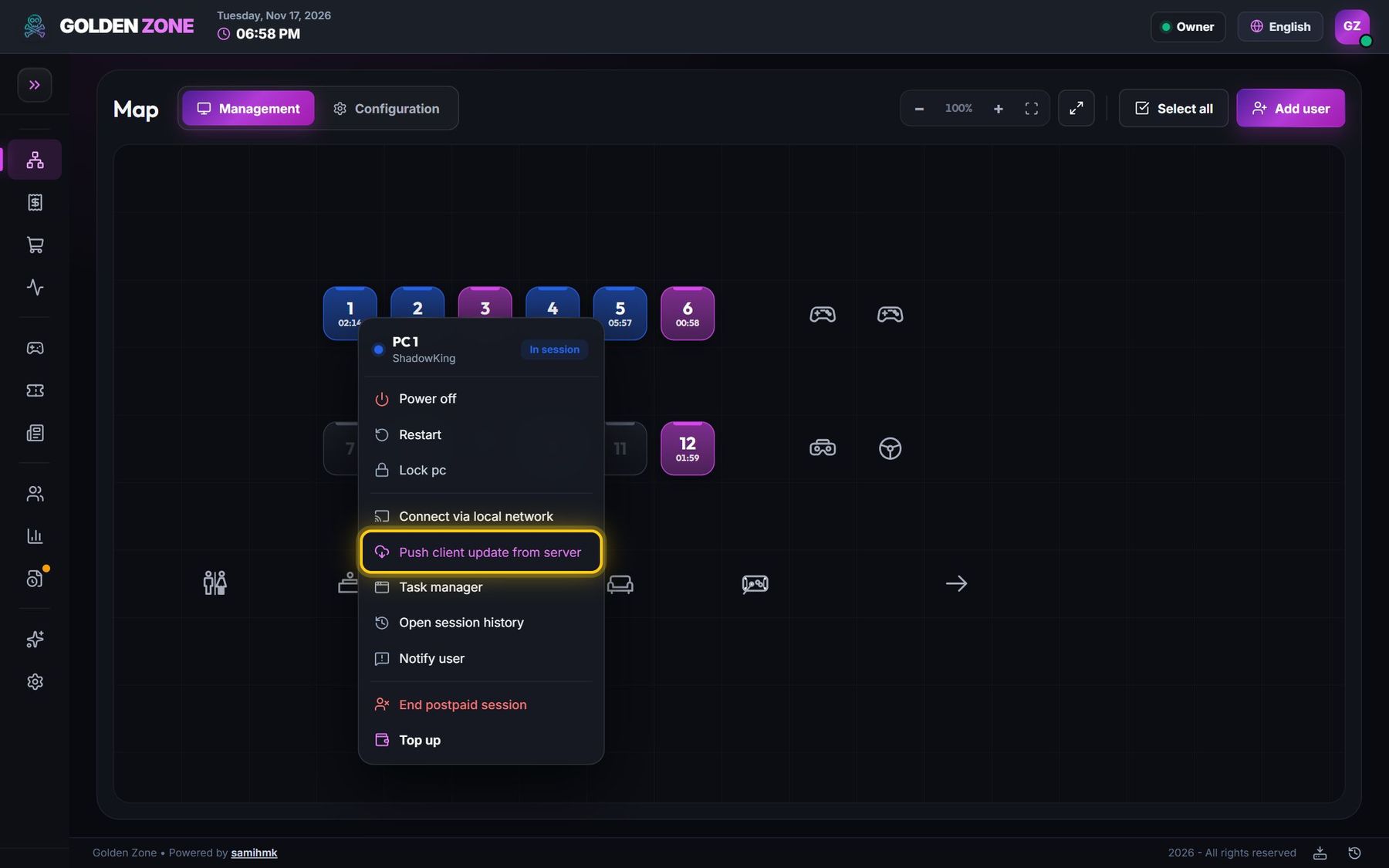
- Make sure your PCs run client 1.2.143 or newer: right-click the PC → Push client update from server (the PC that sends the game needs it too).
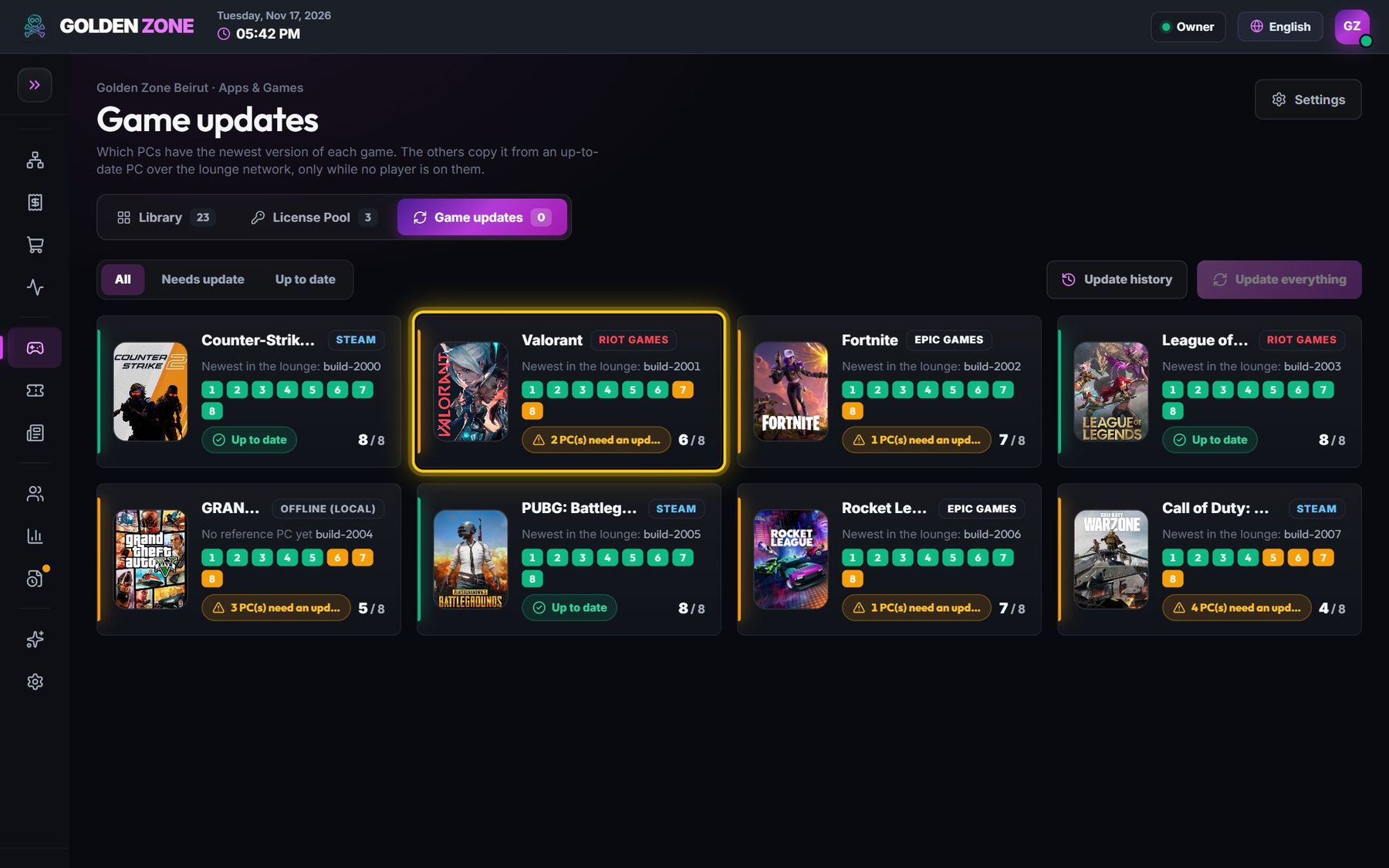
- Open Game updates and press Update (or Repair) for the game on that PC. The files are already there, so it takes seconds and writes Epic's missing record.
Quick fix on one PC: sign in with the technician account, open Epic, press Install and choose the same folder (C:\Program Files\Epic Games). Epic finds the files, checks them and rebuilds its record — no download.