A PC is grey (offline) on the map
What the tile colours mean, and how to bring an offline PC back.
Tile colours: grey = off or not connected, green = free on the sign-in screen, blue / purple = a member or guest playing, red = the technician account. The small time under the number is the time left.
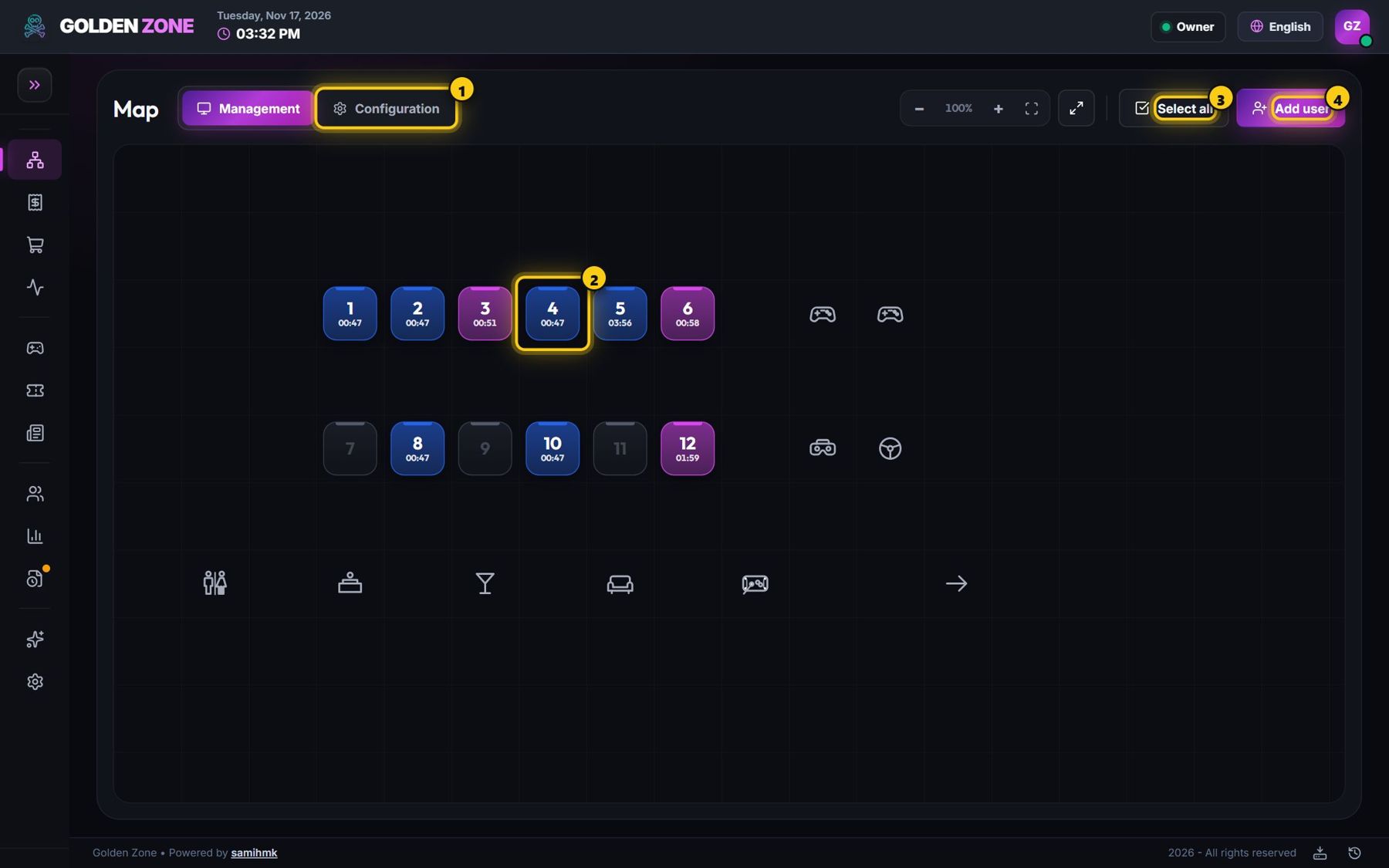
- Make sure the PC is switched on and has internet (open any website from the technician account).
- Wait one minute — PCs report every few seconds and come back by themselves.
- Still grey? Restart the PC once.
- Still grey after a restart? Contact support with the PC number.
If the internet drops during a session, the PC keeps the player's time and reports it when the line is back. A limited session still ends on time, even offline.