NVIDIA Control Panel does not open
New NVIDIA drivers install the Control Panel as a Microsoft Store app — the old path no longer exists.
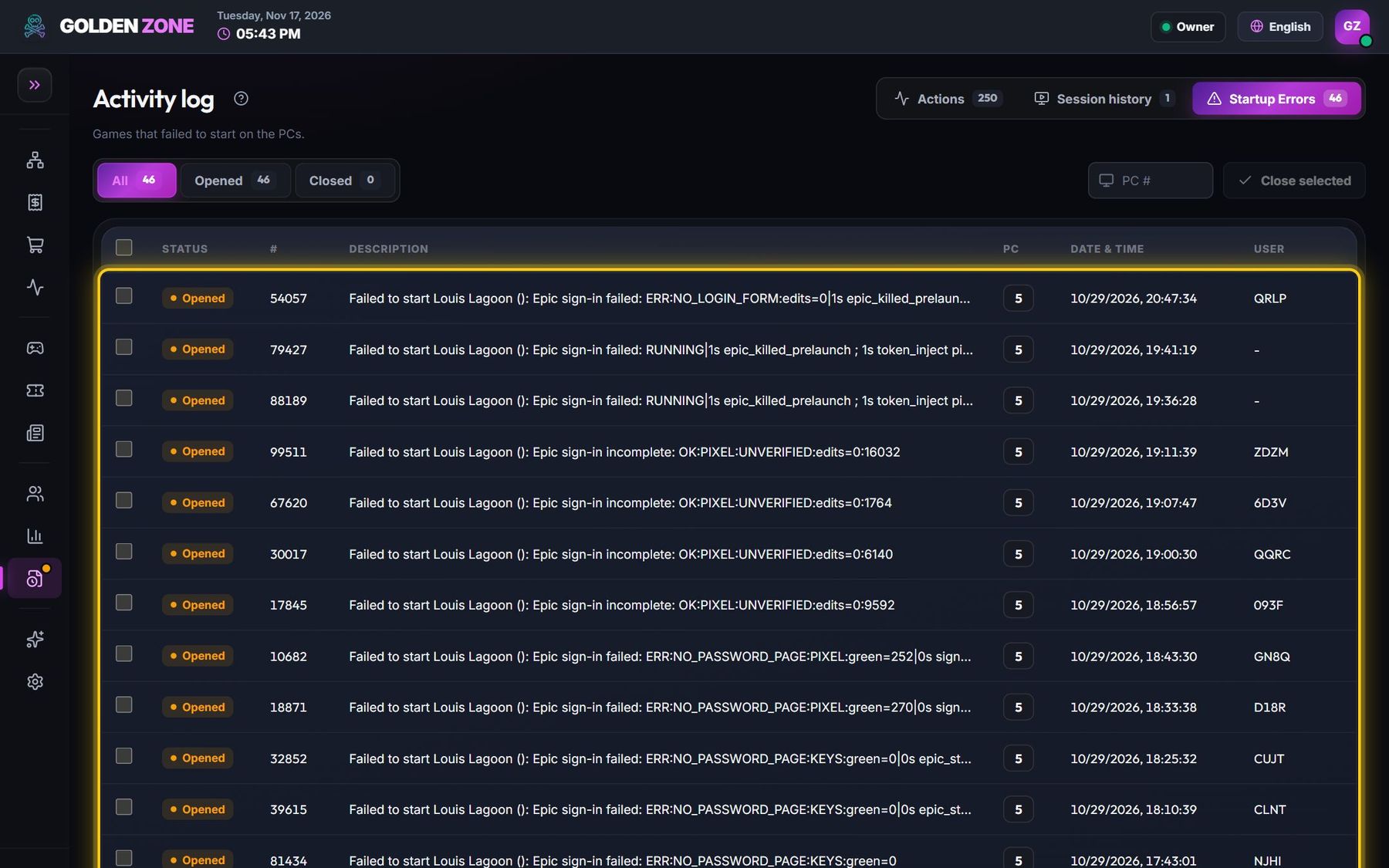
Startup errors show “The system cannot find the file specified” for C:\Program Files\NVIDIA Corporation\Control Panel Client\nvcplui.exe. Since the DCH drivers, the Control Panel is a Microsoft Store app: it has no .exe path and is started by its app name.
- Check the error in Activity log → Startup errors.
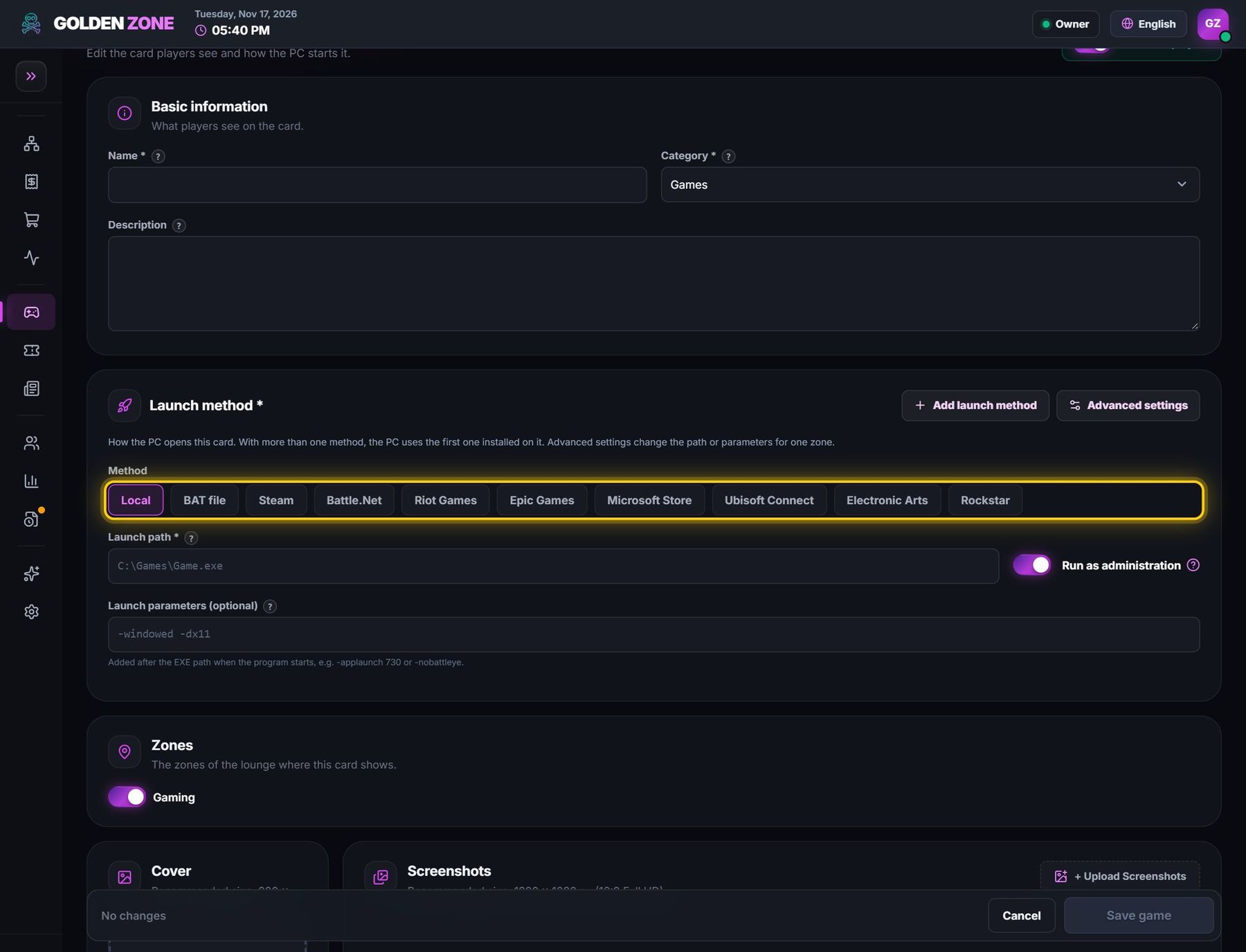
- Edit the card: launch method Microsoft Store.
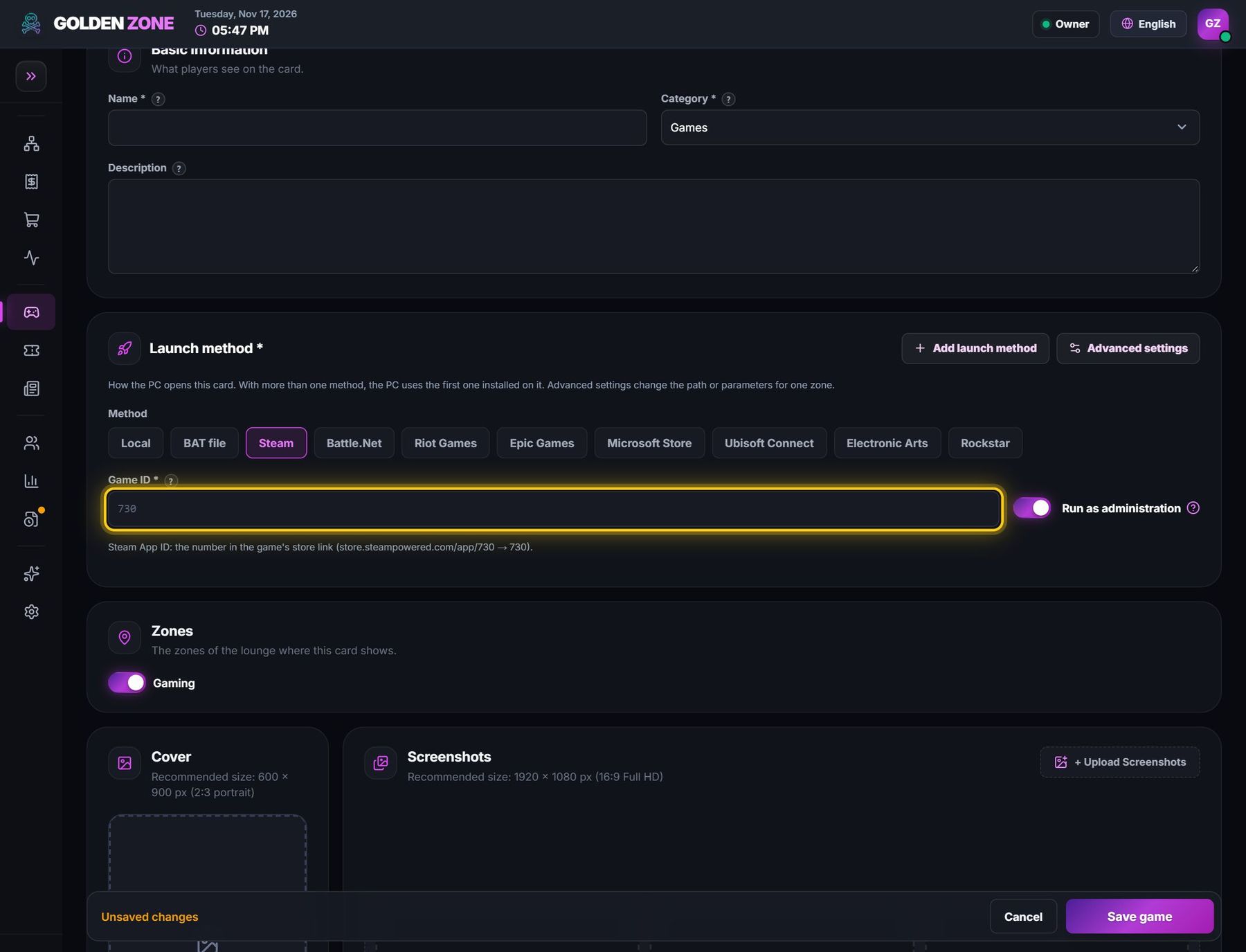
- Game ID: NVIDIACorp.NVIDIAControlPanel_56jybvy8sckqj!NVIDIACorp.NVIDIAControlPanel — leave launch parameters empty and switch Run as administrator off. Save.
Problems & fixes
The card starts explorer.exe. Do not use explorer.exe for a Store app — use the Microsoft Store method above.
The Control Panel is not installed for the player's Windows account on that PC. Store apps are installed per account, so installing it from the technician account does not help the player. Reinstall the NVIDIA driver on that PC (Custom → Clean install): the driver adds the Control Panel for every account, and the player gets it at their next sign-in.
PCs with the new “NVIDIA App” instead: method Local, launch path C:\Program Files\NVIDIA Corporation\NVIDIA App\CEF\NVIDIA App.exe.